
Describe the automation. Workflow Builder builds it.
Paste one sentence into the Copilot, review the steps it built, press start. Below: prompts that work, one page per setup.
What the Copilot is
Workflow Builder is the automation tool inside TimelinesAI. The Copilot is a chat box in it: you describe what should happen, it picks the trigger, adds the steps and maps the fields. You still read every step before you let it run.
Already in your plan
Workflow Builder costs nothing extra. Every plan includes Workflow Builder transactions per workspace each month: 1,000 on Starter, 2,000 on Pro, 3,000 on Enterprise. How credits are counted.
How to open it
- In TimelinesAI on your computer, open Workflow Builder from the left menu.
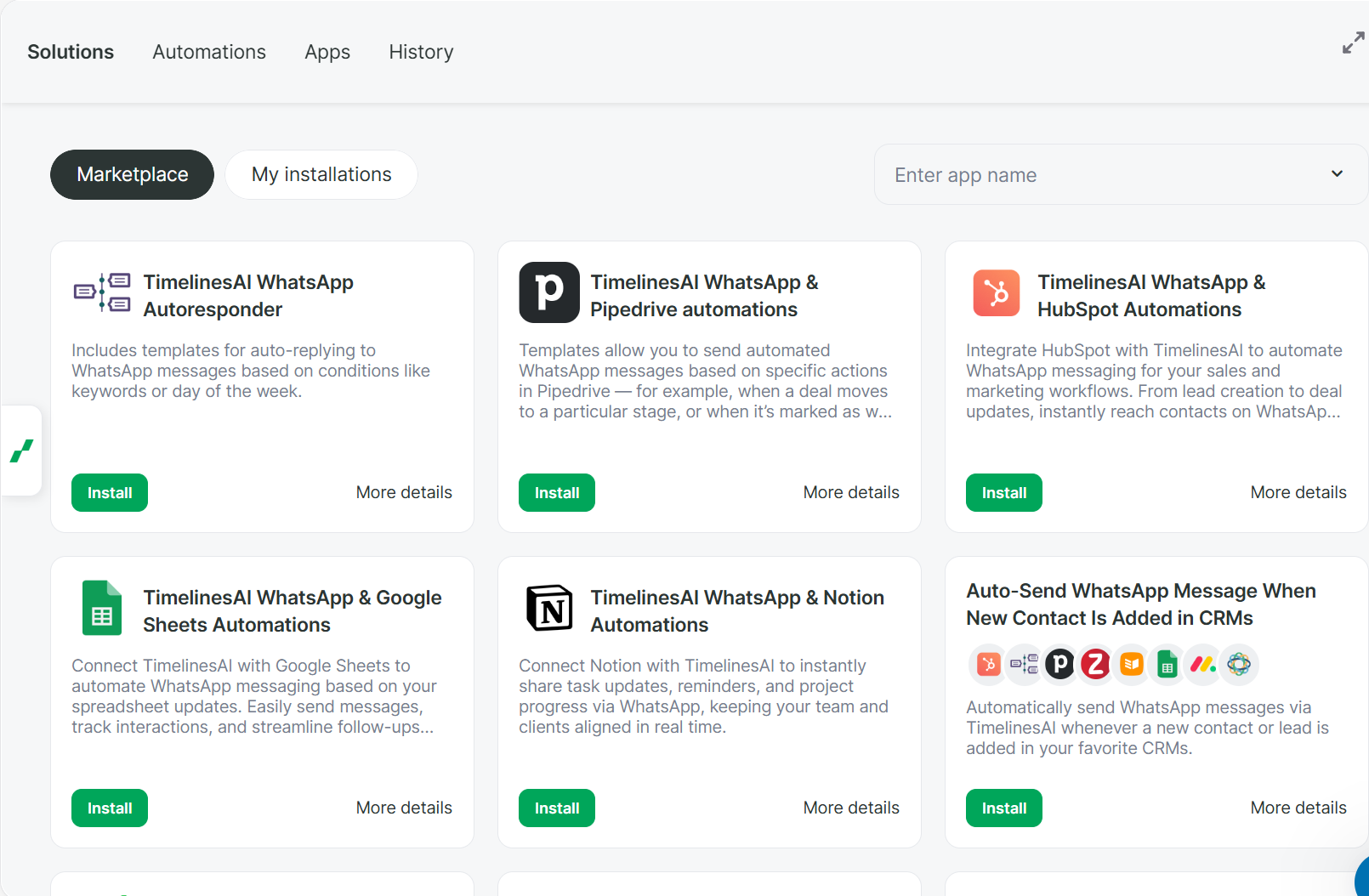
- Click the green tab on the left edge of the builder. The Copilot chat opens.
- Paste a prompt from one of the pages below and send it.
Four rules that make prompts work
- 1
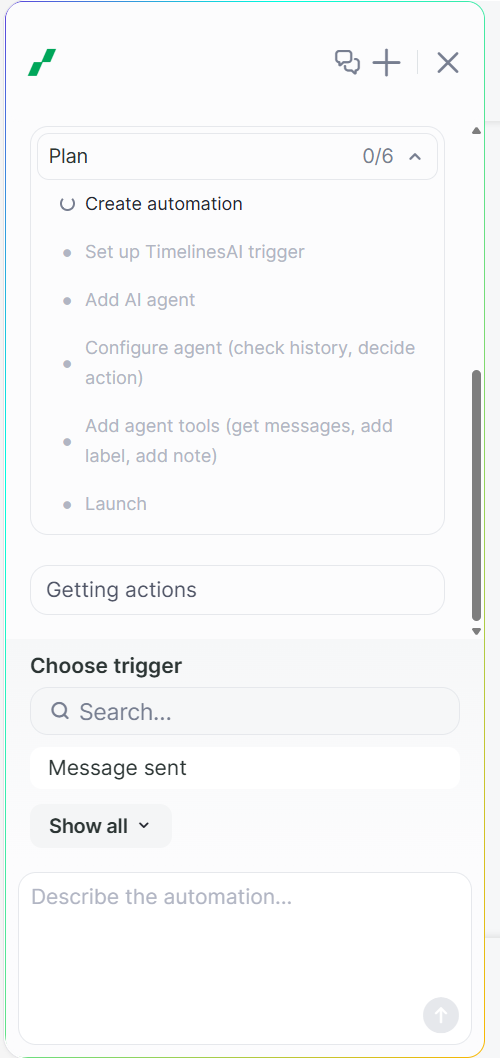
Start with “In TimelinesAI” and name the trigger. Otherwise the Copilot may pick another app or the wrong trigger. If it offers a different trigger, click “Show all” and pick the one named in the prompt.
- 2
Connect your CRM first. Apps tab → Add a connection. If the CRM is not connected, the Copilot stops mid-way and waits for you.
- 3
Add waits by hand. The Copilot cannot add a “wait 1 hour” step. Click “+” under the step → Tool → Automation delay → minutes. It takes 20 seconds.
- 4
Check it is paused before you start it. The Copilot may start the automation on its own. Automations send real WhatsApp messages, so read every step first.
Pick your setup
Each page has prompts checked in the builder, with what to fix by hand.
- HubSpotTwo automations most HubSpot teams want: every new WhatsApp chat lands in HubSpot as a contact with a deal, and a chat nobody answered in an hour becomes a task for the contact owner..
- PipedriveTwo automations most Pipedrive teams want: every new WhatsApp chat becomes a person with a deal in Pipedrive, and a chat nobody answered in an hour gets a note on that person..
- monday.comTwo automations for monday.com teams: every new WhatsApp chat becomes an item on your board, and a chat nobody answered in an hour gets flagged for the manager..
- CloseTwo automations for Close teams: every new WhatsApp chat becomes a lead in Close with the contact's name and phone, and a chat nobody answered in an hour gets flagged for the manager..
- WhatsApp only (no CRM)No CRM needed.
Check the automation is paused before you let it run. The Copilot may start it on its own. Open it, read every step, then press start yourself. Automations send real WhatsApp messages.
Not what you asked for? Write to support@timelines.ai with your prompt and we will help.